Build or buy a web app?

A web app is the system your business runs on, opened in a browser — internal tools, customer platforms, and the software that replaces the spreadsheet nobody will give up. This is the umbrella guide to how we scope, build and support them.

The browser is just the door - the system behind it is the product.

Why is a web app the software your team opens every morning?

A web app is what most businesses actually need when they say they need software: something staff or customers log into, that holds the real data, enforces the real rules, and works on whatever device is to hand. The interesting decisions are rarely visual. They are about who can see what, what happens when two people edit the same thing, and how the system talks to the ones you already run.

When you are ready to build one, our web application development services cover scoping, the build and support, at a fixed price.
Build it, or buy a product?

Buy where your process looks like everyone else's. Accounting, payroll, CRM and most standard back-office work have mature products, and bending your process to fit one costs less than building your own. Build where the process is the thing you are good at. If the way you quote, schedule or fulfil is why customers choose you, forcing it into a product's shape gives that advantage away — and you end up with a system everyone works around anyway.

The most common answer is both: buy the standard parts, build the part that is yours, and connect them, deciding which is which before anyone builds anything. That connection is usually the piece nobody budgets for and the piece that decides whether the whole thing works. Watch for the eighty per cent trap, too. A product that covers most of your requirement looks like the cheap option right up until the missing twenty per cent turns out to be where your margin lives — and then you are paying for the licence and the workaround.

What does a web app cost?

It starts with a Rapid Insight Workshop at a fixed $9,000 + GST, or a Scoping Workshop where the requirement is already clear and you need it specified properly for a fixed price. Either way you leave with a costed, prioritised scope that is yours to take anywhere. What moves the price is scope and integration, not screens. A tool for one team with a handful of workflows is a different order of project from a platform serving customers with billing and multiple integrations, and the honest number comes after the scoping rather than before it.

We quote builds fixed-price, and the first version should be the smallest one worth using. Shipping something real in weeks tells you more about what to build next than another round of planning, and it means the budget follows evidence. Budget for after launch too: software people rely on needs security patches, dependency updates and the changes that come from real use — agreed before launch, not after the first incident. Ongoing work runs as an Apex partnership; a defined build runs as an Amplify project.

How long does a web app project take?

Scope it properly (2–4 weeks)

The workshop pins down what the software must do, for whom, and in what order — with a fixed price against it. You own the output whether or not we build it.

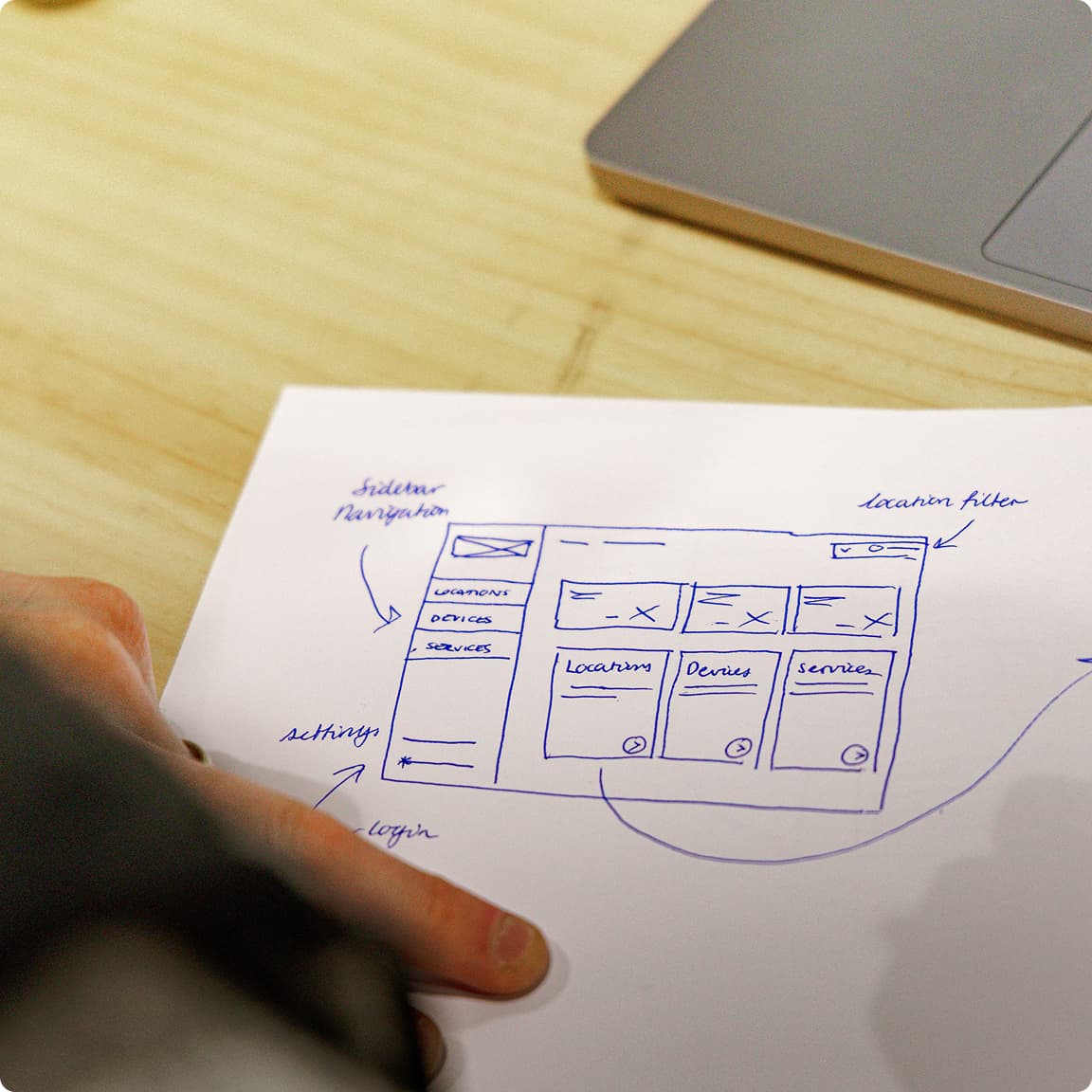
A hand-drawn wireframe sketch on paper showing sidebar navigation, locations, devices and services

Ship the smallest useful version (8–12 weeks)

One workflow, in production, with real users. Everything after that is informed by how it is actually used rather than by what everyone assumed in the planning room.

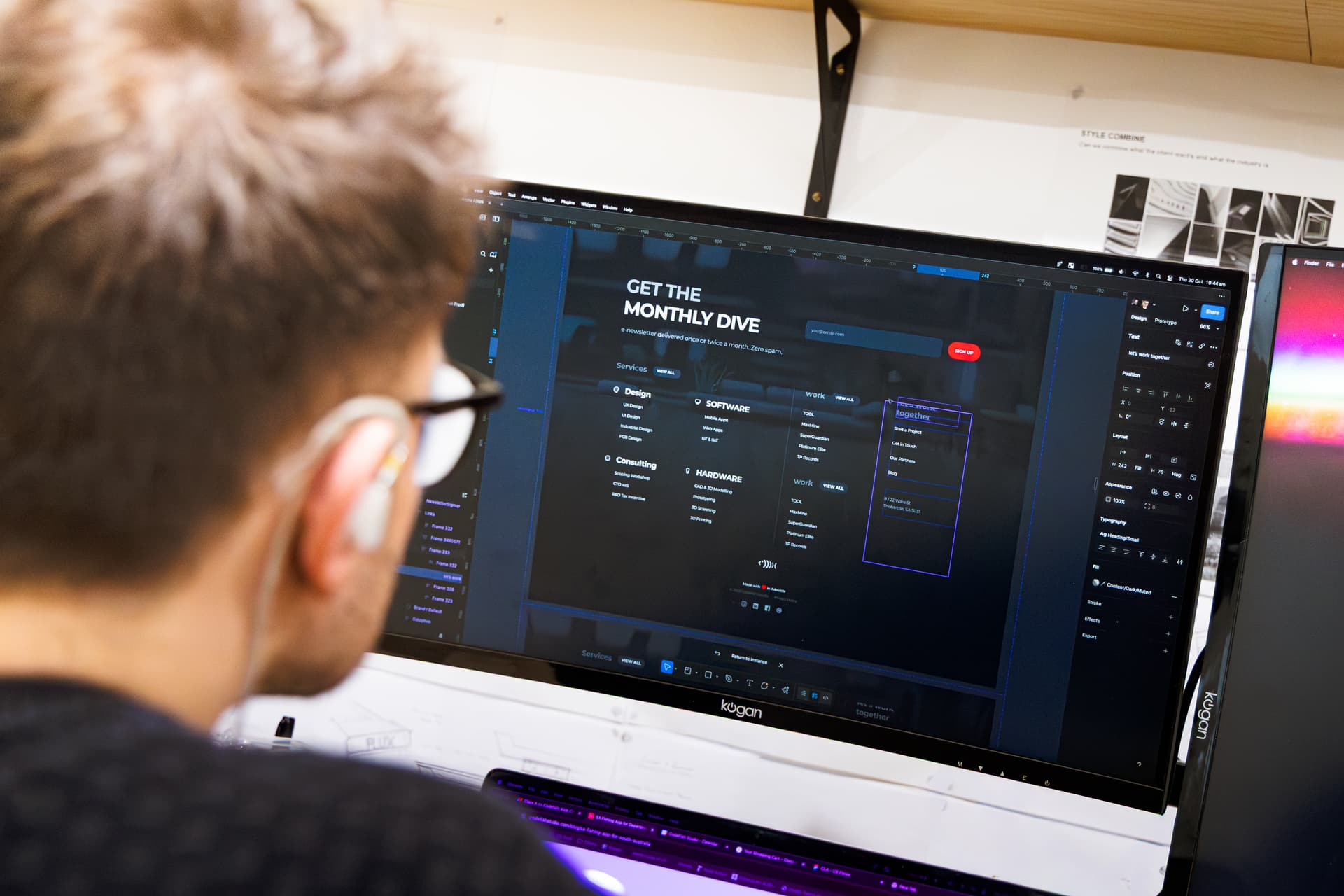
A designer reviewing a website layout in Figma on a large monitor

Extend, connect, support

The next workflows join it, the system starts reading from your other systems instead of copies, and the patching and updates run on an agreed arrangement rather than by exception.

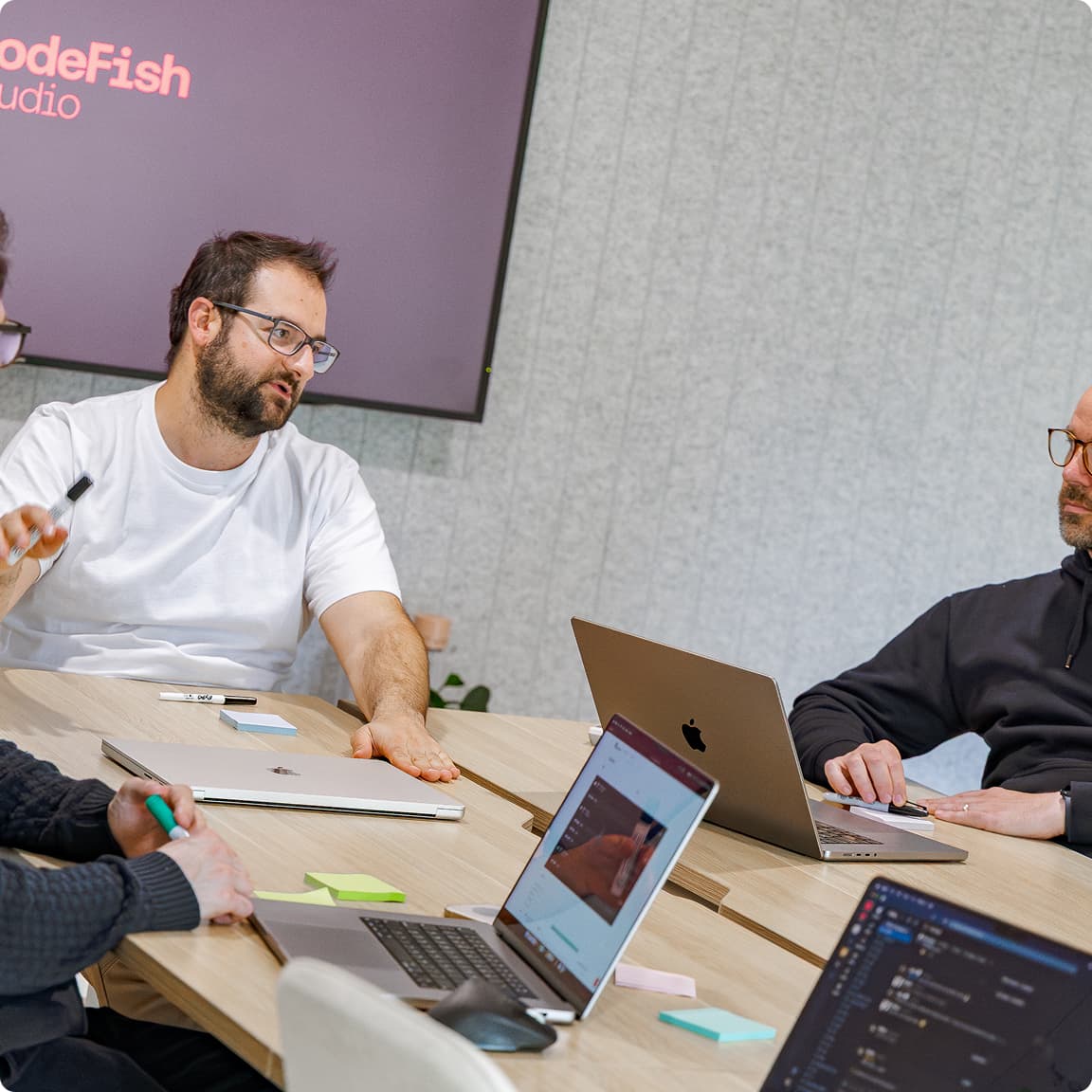
Four CodeFish team members working through a problem around a table of laptops, CodeFish Studio sign on the wall

Web app questions we get asked

Off-the-shelf wins when your process looks like everyone else's. Custom wins when the process is the thing you are good at, and bending it to fit a product would cost you the advantage. Most businesses need both, and the useful work is deciding which is which before anyone builds anything.

It depends almost entirely on scope, and scope is what a discovery or scoping workshop exists to pin down. What we can say is that the first version should be the smallest one worth using, so you learn from real use before committing to the rest.

Software that people rely on needs someone responsible for it — security patches, dependency updates, and the changes that come from real use. That is a support arrangement, not an afterthought, and it should be agreed before launch rather than after the first incident.

Yes. The codebase and the IP are yours, documented and handed over. You should be able to take it to another team without asking anyone's permission.

A web app where the work happens at a desk or on a tablet and you want one codebase and instant updates. A mobile app where you need the camera, offline use, or a home-screen icon people tap every day. Plenty of operations want a web app for the office and a mobile app for the field, and the two share the same backend.

That is usually the point of building one. The app reads from and writes to your existing systems through their APIs so there is one copy of the truth and no rekeying. Where a system has no usable API, that constraint is found during scoping — it changes the approach, and it is much cheaper to know up front.

The cost of a web app is driven by scope and integration, not by the number of screens. Each workflow adds rules, roles and edge cases to design and test, and each system it connects to, such as Xero, MYOB or your ERP, adds an interface that has to be built, secured and kept working. Customer-facing features like accounts, billing and multiple tenants add more again. Data migration from the spreadsheet or old system is the cost most often missed, because the data is always messier than anyone expects. Scoping prices all of this up front, and an Amplify build then runs at a fixed price against that scope, so a change in scope is a decision you make rather than a bill you receive.

A web app stays secure when access, data and patching are designed in from the start rather than tested for at the end. Roles decide who sees what, every change is logged, data is encrypted in transit and at rest, and hosting can sit in an Australian region where your data needs to stay onshore. The build should follow the OWASP Top 10, and hosting and patching should line up with the Australian Cyber Security Centre's Essential Eight. Accessibility deserves the same care: screens and forms built to WCAG 2.2 AA work for everyone on your team. After launch, security patches and dependency updates run on an agreed schedule, so a known weakness is fixed in days rather than found after an incident.

Starting small is the safest way to build a web app, and usually the cheapest. The first version should replace one workflow for one team, such as job intake or approvals, and reach production with real users within weeks. That version tells you what the next one needs far better than another round of planning does. Where you need to test an idea before committing a full budget, an Ignite proof of concept runs at a fixed price with a fixed scope. Because the code is yours from day one, starting small never locks you in: you can extend it with us, take it to another team, or stop if the evidence says so.

Ready to build something great?

Local partners, global standards – full service design and development.