RPA Software

RPA software does the clicking, copying and re-keying your team does by hand. CodeFish builds it in Adelaide for Australian operators where a person spends hours a day moving data between screens — and says plainly when a real integration or an AI agent is the better answer.

What is RPA software?

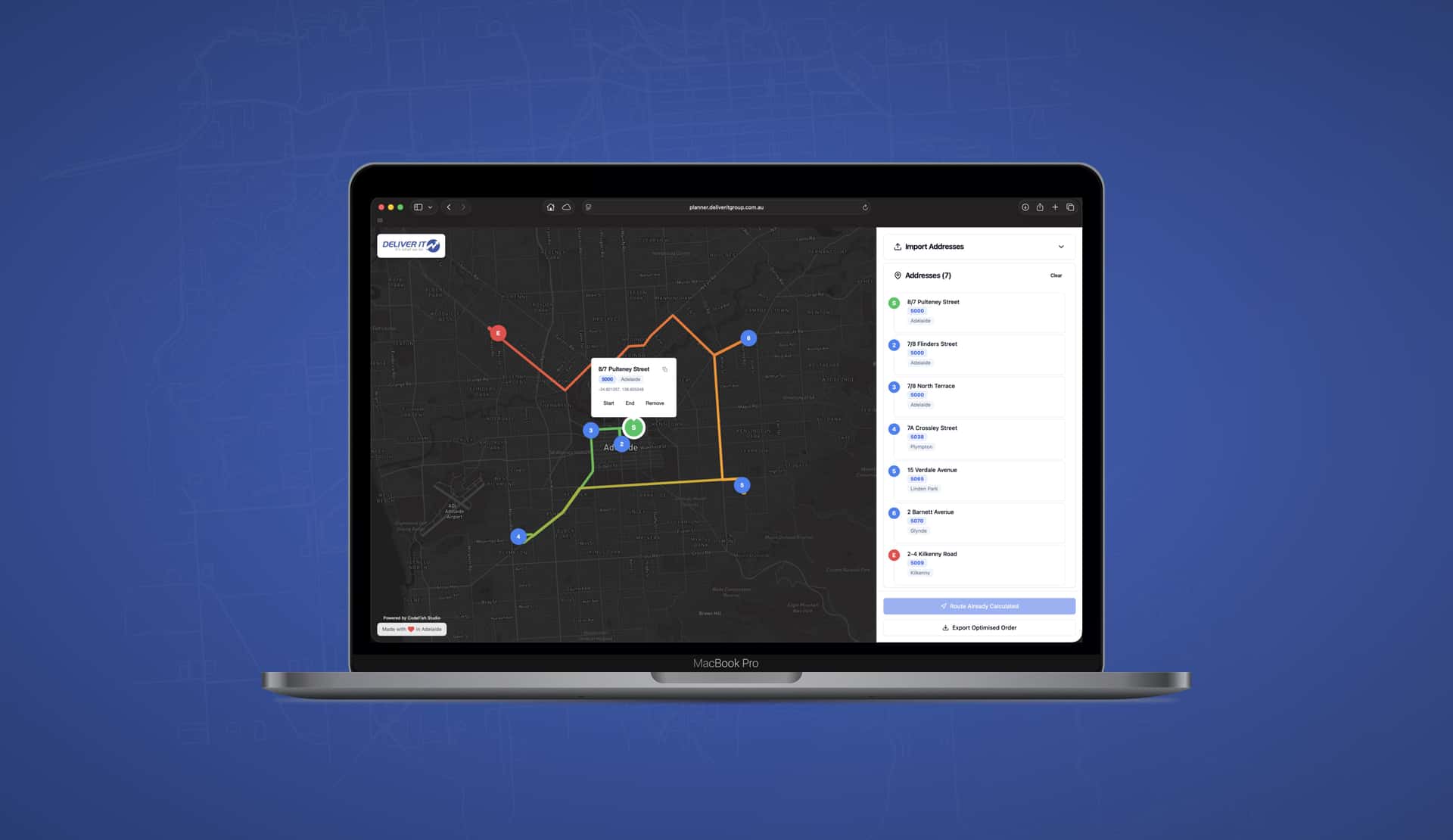
RPA (robotic process automation) software is a tool that performs a repetitive computer task the same way a person would — opening a system, reading a field, copying a value, entering it somewhere else — on a schedule or a trigger, without a human doing the steps.

We build this kind of automation in Adelaide for Australian mid-market operations teams, mostly in the $10–50M revenue range. The plain test for whether you need it: if a person in your business spends more than an hour a day moving data between two screens, that hour is automatable work.

RPA does not think. It follows rules. That is its strength on high-volume, boring, unambiguous work — and the reason it fails the moment a task needs judgement.

What jobs can RPA software do?

Almost every worthwhile automation in an operations business is one of these four. If your task is not on this list, RPA is probably the wrong tool.

Moving data between systems

Taking a value out of one system and putting it into another — orders into the ERP, timesheets into payroll, leads into the CRM. This is the most common job and the easiest to justify, because the manual version is measurable in hours.

Reading documents and forms

Pulling the numbers off invoices, delivery dockets, purchase orders and PDFs so nobody types them again. Modern versions use a model to read the document instead of fixed field positions, so a new supplier layout does not break it.

Checking and reconciling

Comparing two sources and flagging what does not match — invoice against purchase order, stock count against system, bank line against ledger. The robot does the whole set every day instead of a person sampling a few.

Triggering the next step

Watching for a condition and acting on it: chasing an approval, sending the reminder, creating the job, escalating the exception. The work that only happens when someone remembers to look.

RPA, an integration or an AI agent — which do you need?

RPA follows rules; an AI agent handles what the rules do not cover. Most operations end up with both: a robot for the identical majority of cases, a model for the exceptions, and a person wherever judgement is involved. Rules are cheaper to build and run, so the model goes only where judgement is needed.

An integration beats both where an API exists, because RPA breaks when a screen changes. RPA is right when there is no API or the task is too small to justify connecting systems.

RPA software does the clicking, copying and re-keying your team does by hand — every day, without getting it wrong.

What makes a task worth automating

The shape of the work matters more than the industry. These are the traits that make a task a good fit for RPA.

High volume, low variation

The same task hundreds of times a week, done the same way each time. Volume turns a small time saving into a real one, and consistency is what makes the rules writable.

Rules somebody can state

If a person can write down exactly what they do and why, it can be automated. If the answer is that they just know, the first job is writing it down — and that often fixes half the problem on its own.

Work between systems

Pulling from one screen and typing into another, because the two do not talk. This is the classic case, and it is worth asking whether an integration would be the more durable fix.

Structured inputs

A spreadsheet, a form, a consistent report. Where the input is a photographed docket or a free-text email, you need document processing or judgement in the loop, not rules alone.

Reversible outcomes

Start where a mistake is annoying rather than expensive. The first automation exists to prove the approach and build confidence, not to take on the highest-stakes process you have.

A process worth keeping

RPA follows your process exactly, including the parts that grew by accident. Automating a broken process makes it fail faster, so the process gets fixed first or the automation locks it in.

What does it cost to automate a process?

Automation work starts with a Rapid Insight Workshop, fixed at $9,000 + GST, which maps the manual work and returns a prioritised roadmap, including tasks not worth automating. A defined build is a fixed-price Amplify project; ongoing automation runs inside an Apex partnership.

Budget for maintenance: automation that drives an interface breaks when a vendor changes it, so it needs a named owner. There is no per-robot licence or seat fee, and you own the code and IP.

How an RPA project runs

Find the hours (1 week)

We sit with the people doing the work and map where the re-keying, checking and chasing actually happens. Every candidate gets hours per week and an error cost against it, so the shortlist is ranked by return, not by how impressive the demo looks. Steps that only exist because of an old system limit get removed rather than automated.

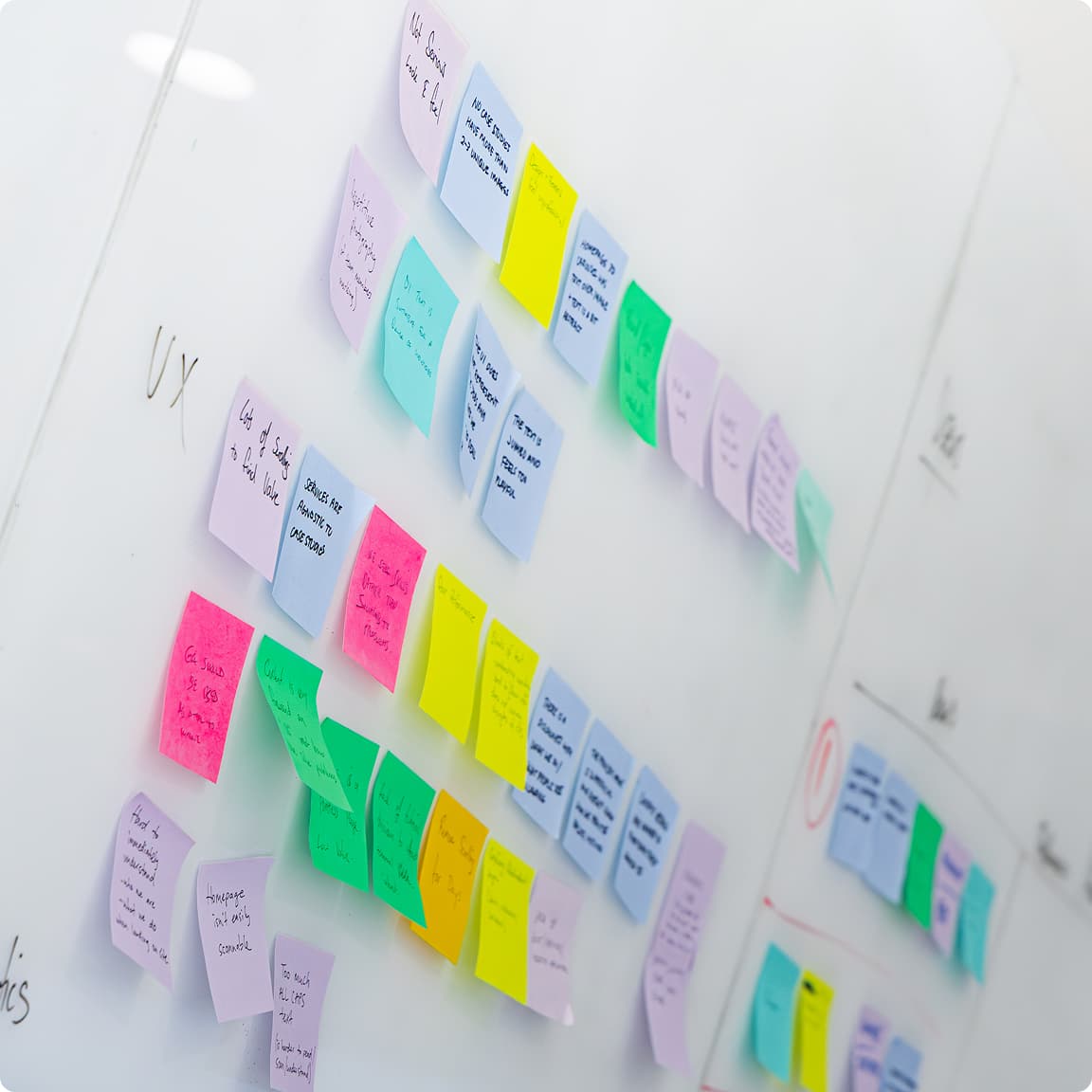
A whiteboard covered in colour-coded sticky notes from a UX workshop

Automate the first one (2–6 weeks)

We build the highest-return automation first and run it alongside the manual process until it is trusted. Exceptions route to a person with the reason attached — a robot that fails silently is worse than no robot.

CodeFish Studio team members collaborating on a project

Prove it, then extend

We measure hours returned and errors removed against the before figure. If the numbers hold, the next automation on the roadmap goes in. If they do not, we tell you and stop.

RPA software questions we get asked

Automating a bad process makes the bad outcome arrive faster. If a workflow exists because two systems were never joined up properly, or because nobody trusts the data, the fix is the integration or the data — not a robot clicking through the mess at speed. Fix the process first, automate second.

RPA is brittle by design: it depends on the screen, the field and the sequence staying where they are. If the underlying system, supplier format or rule set changes often, maintenance costs more than the manual work it replaced. A proper API integration or a model-based approach survives change; a screen-scraping robot does not. When a process does change, the automation has to change with it — which is why every one needs a named owner. An automation that keeps running after the process moved on, quietly producing wrong work, is worse than one that stops.

A task done twice a month for ten minutes is not worth automating, however annoying it is. The rough threshold: an hour a day of a person's time, or a task where an error has real cost. Below that, the build and maintenance outrun the saving.

Hours a week times the people doing it, plus the cost of the errors. The hours are easy to count once you watch the work rather than ask about it — people routinely under-report small repetitive tasks because each one feels trivial. The errors are the harder number and usually the larger one.

The robot stops at the step that no longer matches and raises an exception, rather than guessing and entering bad data. Every automation we build checks that each screen, field and file looks the way it expects before it acts, so a vendor update to your ERP or a new portal login page halts the run and tells a named person why. The work goes back to the manual process for that day. A small change, like a moved field, is usually fixed in hours. A rebuilt screen takes longer, which is why the support budget is agreed before go-live, not after the first break.

Nobody needs to sit and watch it, because it reports on itself. Each run writes a log of what it processed, what it skipped and why, and anything it could not finish lands in an exceptions queue with the reason attached. Your team sees that queue first thing in the morning, the same way they would check an inbox. If a run fails outright, an alert goes to the owner you named at the start, by email or Teams. You decide who that owner is: usually the person who did the task by hand, because they know what correct looks like.

Something high volume, well understood and low consequence if it stops. The first automation exists to prove the approach and build confidence, not to take on the hardest process you have.

If both systems have an API, connect them properly instead of putting a robot in front of the screens. An API integration is faster, more reliable and cheaper to keep running. RPA earns its place where there is no API — legacy systems, locked-down vendor tools, government portals.

Workflow automation moves a job through steps and people — approvals, handoffs, status. RPA does the individual computer task inside those steps. A purchase approval flow is workflow automation; the robot that then enters the approved order into the ERP is RPA. Most operations problems need a bit of both, and they are usually built together.

Licensed platforms make sense for large enterprises running hundreds of robots with a dedicated automation team. For a $10–50M business running a handful of automations, a purpose-built solution is usually easier to change and carries no per-robot licence. We build the second kind, and we will say so when a platform is genuinely the better fit.

Two to six weeks for a single well-scoped automation once the target is agreed. The variable is rarely the build — it is access to the systems and clarity on what the correct behaviour is when the data is wrong. Both of those get settled in the workshop before development starts.

In practice it removes the parts of a role nobody wanted: the re-keying, the checking, the chasing. The teams we build for are usually behind, not overstaffed — the automation absorbs growth instead of hiring for data entry. If a business is buying automation specifically to cut headcount, the honest advice is that the savings are smaller and slower than the pitch suggests.

Four things: they put hours and dollars against each candidate before quoting; they tell you which tasks are not worth automating; you own the code and the IP at the end; and exceptions are designed for, not ignored. If a partner cannot show you the maintenance story for year two, the build is not finished.

Yes, for the same reason spreadsheets are still relevant. Rules-based automation is cheaper, faster and more predictable than a model on tasks that have one correct answer. What has changed is the ceiling: work that was previously impossible to automate because it needed reading and judgement is now in scope. The right build uses rules for the routine and a model for the exceptions.