Systems Integration

Systems integration connects the ERP, CRM, warehouse and field systems an Australian operations business already runs, so data moves between them and nobody retypes it. It starts with a fixed-price $9,000 + GST workshop that maps every hand-off and prices the connections worth building.

The same number lives in four places. We connect your systems so it lives in one.

What is systems integration?

A CodeFish developer working across three monitors, reviewing code and version history

Connect what you have instead of replacing it

Most operations stacks grew one system at a time: an ERP, a CRM, a warehouse system and the spreadsheet the planner will not give up. Each one holds a slightly different version of the truth, and somebody spends Monday working out which number to believe.

Replacing everything with one platform is a two-year program that throws away systems your team already knows. Integration keeps what works and connects it: one number in one place, the re-keying hours back, and errors caught when they happen instead of at month end.
What integration actually covers

Integration is a bigger job than a connector. These are the parts that turn up in every build, and the ones underneath are where the time goes.

Moving the data

Orders, stock, jobs, customers and invoices flowing between systems on a schedule or the moment something changes. This is the part everyone pictures, and it is usually the smallest part of the work.

Agreeing what the data means

Your ERP calls it a customer, the CRM calls it an account, the warehouse system uses a different code. Somebody has to decide, field by field, which system is right, and match records that share no common ID. That is a business decision, and it comes before any build.

Handling what goes wrong

A system is down, a record fails validation, the same order arrives twice. We build in an exception queue a person actually checks, keys that stop a retry landing twice, and a count on both sides that alerts when they stop agreeing.

Reaching systems with no API

Older platforms and locked-down vendor products often have no clean way in. There is almost always a route — a database view, a file drop, a scheduled export — but it changes the shape of the build.

A log anyone can read

A log of what moved, what failed and what was retried, in a form an auditor or an ops manager can read without calling a developer.

Cleaning the data first

Most integration projects stall on a data quality problem nobody owned before the project started. Cleaning it is not glamorous work, and it is the difference between a build that lands and one that gets switched off.

Floor, quality, planning and reporting

The systems that sit between the ERP and the people doing the work. Each one is only as good as the data it is connected to.

Manufacturing execution (MES)

Which order is running, what was made or scrapped and why the line stopped, recorded as it happens. Output reaches the ERP the same day instead of the next morning.

Quality management (QMS)

Buy document control and audit scheduling. Build the checks into the work, on a tablet at the line against the running batch, so the audit trail is complete before anyone asks.

Sales and operations planning

One agreed number for what you will sell and make. Keep the spreadsheet while one person can explain it; automate the assembly once they cannot.

BI and reporting

Two people, two numbers for the same month. Agree what each metric means and assemble the data in one place, and the dashboards start getting opened.

Data integration and warehousing

Your customer exists five times with five spellings. Match the records, decide which system is right, and keep one consistent copy that reporting, forecasting and AI can all read.

Point-to-point or middleware?

It depends how many systems you run and how often they change.

A few stable systems: connect them directly

Two or three systems that rarely change. A direct connection is a small, cheap build, and a middle layer would be cost with no return. Where an off-the-shelf connector does the job, we will tell you to use it. Start one-way where you can: two-way sync doubles the work.

Five or more: add a middle layer

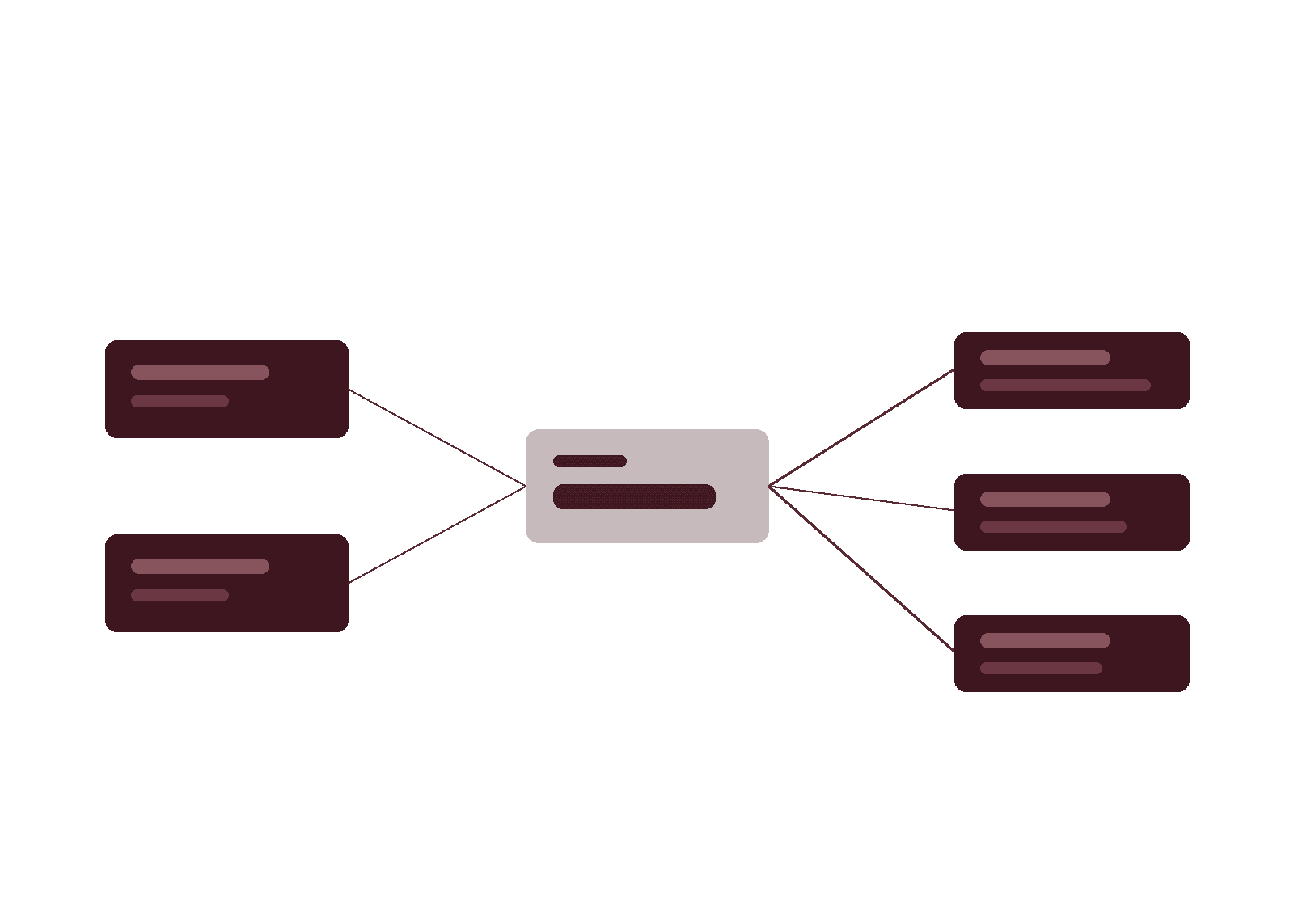
Direct connections multiply faster than systems. A middle layer gives each system one connection, so adding the next takes a day rather than a fortnight. Already run an integration platform? We build on it rather than sell you another.

Do you need a data warehouse?

Do you need a data warehouse, or just connections?

Integration keeps systems in step day to day. A data warehouse keeps one consistent, historical copy of the business for reporting, forecasting and AI to read. It earns its place when several systems must be reconciled, your systems overwrite history you need, or reporting slows the systems it reads from. Below that, direct connections and a small reporting database do the job for less, and we will say so.

The hard part is matching. Exact matches on ABN, email or account code are automatic; the rest is a judgement call someone in your business has to own. Storage is cheap, so cost follows how much your records disagree, not how much data you have. That is why we profile the real records before quoting a warehouse.

How an integration project runs

Three stages, and the order matters more than the speed.

Map the systems and the data

One to two weeks. Every system, who owns it, what it holds and where the same fact is recorded twice. We look at the real data rather than the schema — that is where the surprises are, and finding them now is far cheaper than finding them in build.

Connect the first pair

Three to six weeks. One connection, end to end, with error handling and a log from day one. It runs alongside the manual process until the numbers agree, and then the manual process stops.

Extend, and keep it running

The next system goes in once the first connection has held. Ongoing, someone watches for the failures, the API deprecation notices and the volume growth — because those arrive whether or not anyone is looking.

What does systems integration cost?

What moves the build price: how many systems, how clean the data is, and whether older systems have a usable way in. Defined work is quoted fixed price as Amplify. Ongoing connections run as an Apex partnership, because vendors change APIs and volumes grow.

$9,000 + GST

The Rapid Insight Workshop, fixed price. It prices the connections worth building, and the roadmap is yours whether or not you build with us.

1–2 weeks to map

One to two weeks to list every hand-off, export and re-key between your systems, with the hours attached and a name against each one.

3–6 weeks to first connection

Usually three to six weeks to the first connection running, between two systems with usable APIs. What stretches it is the two sides disagreeing about what a customer is.

Integration questions we get asked

Almost always, yes. Where there is no API we work with what the system does expose — a reporting database, a scheduled file export, a vendor data feed. It costs more than a clean API and it is less tolerant of vendor upgrades, so we tell you that up front rather than after the quote.

Sometimes. If three of your systems are genuinely at end of life and the vendor is gone, replacement can be the honest answer. But a single-platform program is a multi-year commitment and it removes tools your team is good at. We will say so when replacement is right — most of the time the cheaper answer is to connect what you have and replace one system at a time. The average enterprise runs 897 applications, but only 29% are integrated, according to the [MuleSoft Connectivity Benchmark](https://www.salesforce.com/blog/mulesoft-connectivity-benchmark-2025/) (2025).

The first connection is usually live in three to six weeks after the workshop. We deliberately start with one pair of systems rather than the whole map, so there is something running and measurable before the budget is committed to the rest.

It breaks, and the question is whether you find out from a monitor or from a customer. Every connection we build logs its failures, alerts a named person and makes it easy to see what did not make it across. Under an Apex partnership, watching for deprecation notices and updating ahead of them is part of the work.

Not in the connection — in the disagreement. Two systems hold a slightly different version of the same customer, and nobody has decided which is authoritative. Until that is settled, syncing them faster only spreads the inconsistency more quickly.

A small standing allowance, and it is the line most often left out of a quote. APIs change, vendors deprecate versions, and a connection nobody maintains fails quietly about a year in. The choice is a modest ongoing budget or a manual check every month, which is where you started.

Often worth it. A connection built against a clean interface is a fraction of the cost of the replacement and buys you the time to decide whether the replacement is genuinely needed. What to avoid is deep custom work inside a system with a known end date — connect it, do not extend it.

You do. Integration code, configuration and documentation are handed over as standard, and nothing we build locks you to us. If you take it in-house, it should be readable by whoever picks it up.

Not entirely, and waiting until it is perfect means never starting. But integration does surface the mess, because two systems disagreeing becomes visible the moment they are connected. The workshop tells you how much cleaning has to happen before the first connection and how much can wait.

Related, not the same: systems integration keeps systems in step day to day, while data integration builds one consistent copy for reporting and AI (see the data warehouse section above).

You need consistent data, not necessarily a warehouse: a model given conflicting records gives confident, conflicting answers.

In your own cloud account, in the Australian region unless you ask otherwise, with access set per role and logged. You own the infrastructure and pipelines the same way you own the code.

It starts with a $9,000 + GST [Rapid Insight Workshop](/services/consulting/rapid-insight-workshop), which prices the connections worth building before you commit. The build price then depends on how many systems you connect and how much their data disagrees: defined work is quoted fixed price as an [Amplify](/services/amplify) build (typically from $100K), and connections that keep growing run as an [Apex](/services/apex) partnership (from $15K a month). See the cost section above for timeframes.